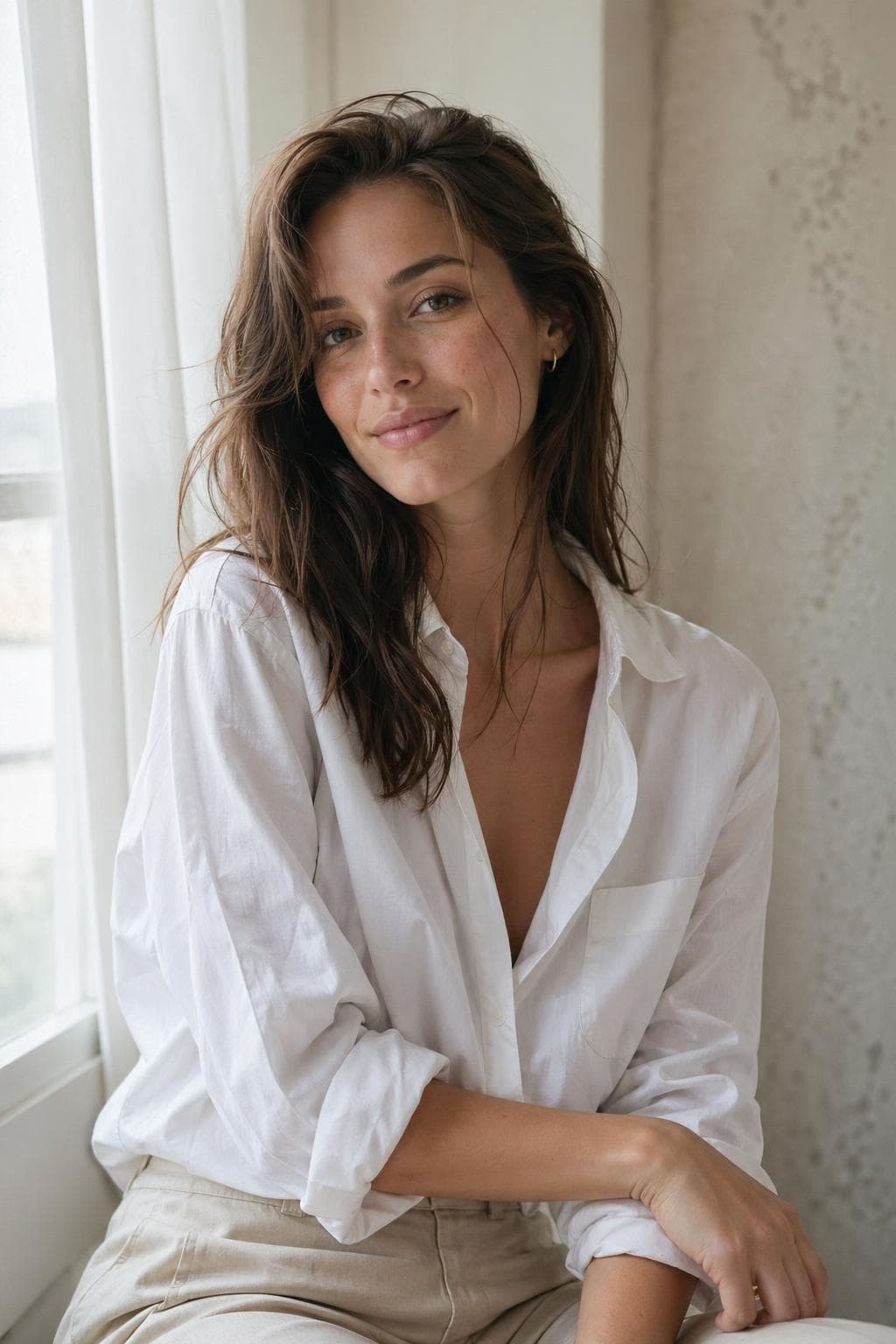
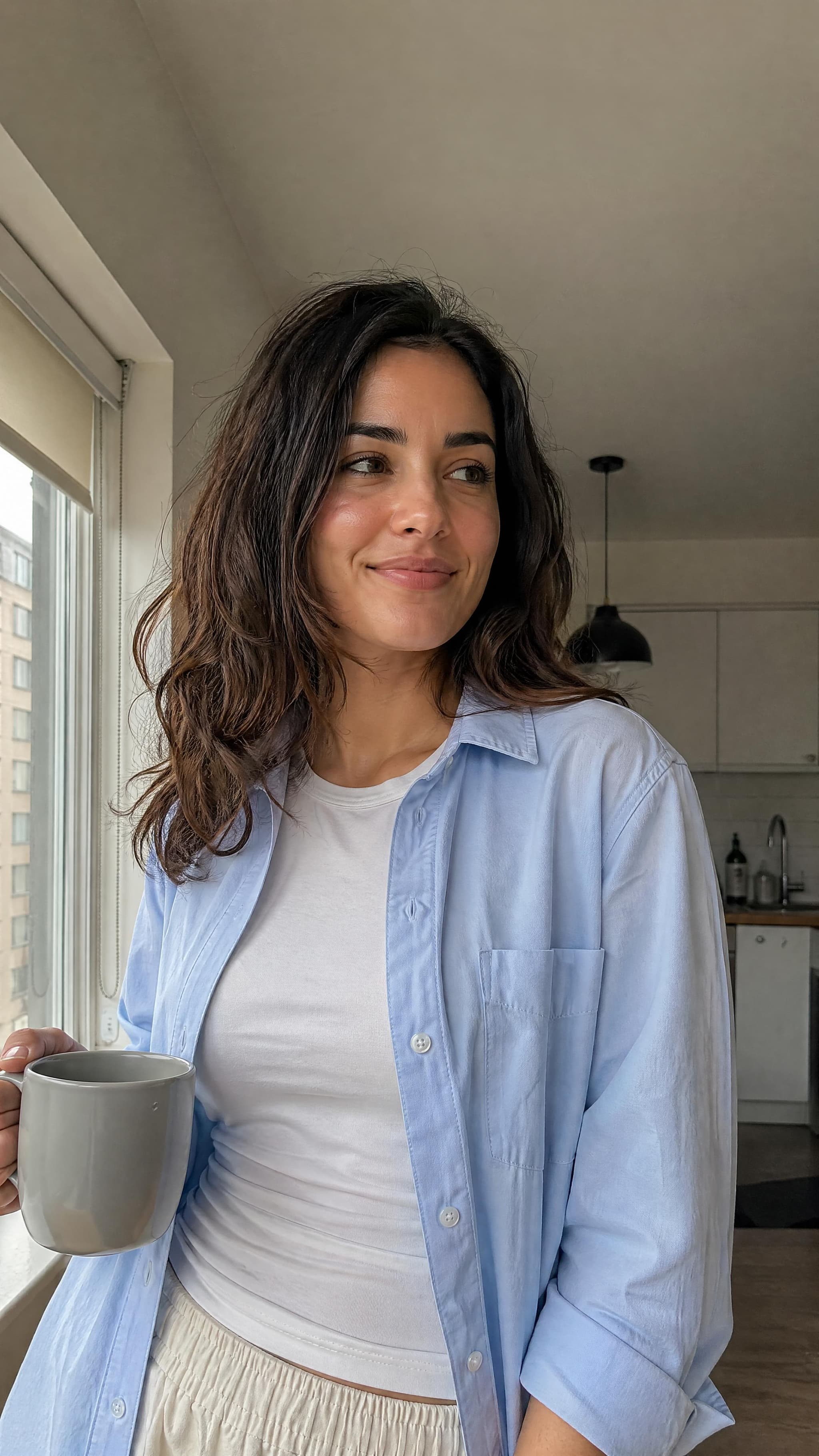
Soft Natural
Approachable, relaxed, window-lit portrait.
natural skin texturesoft window lightminimal stylingsubtle film grain
Build this lookPromptPaper Field Guide 01
PromptPaper helps you turn portrait choices - style, pose, crop, lighting, camera feel, and realism details - into a polished GPT Image 2 prompt.
Start with a look, adjust one choice at a time, then copy your prompt.
Most people ask for "a realistic portrait." PromptPaper helps you describe the actual shoot: who the subject is, how they are styled, how they are lit, what camera the image feels like, and what realism details should be preserved.
See how the guide breaks this downMake a realistic portrait.
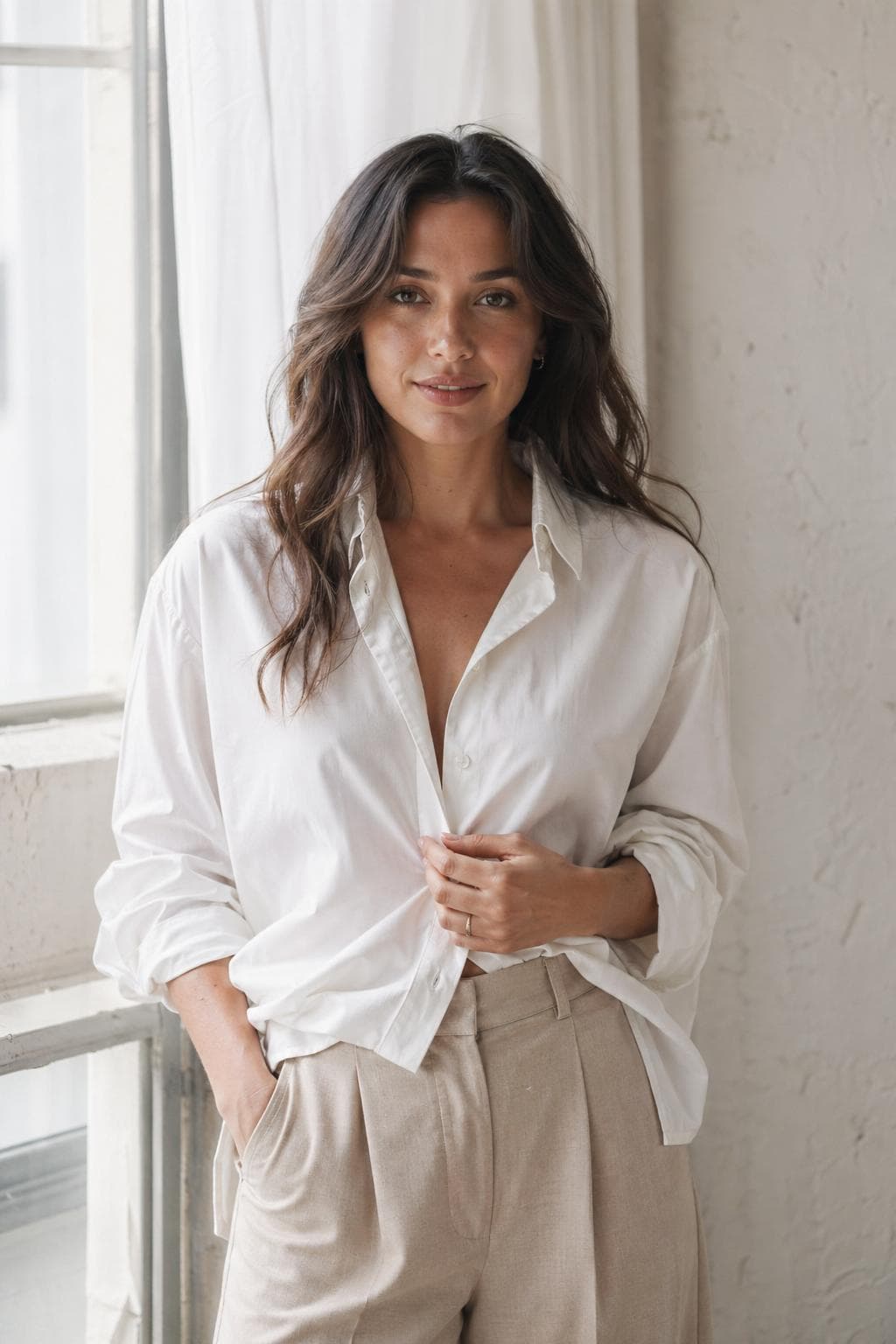
4:5 vertical waist-up portrait, soft natural style, relaxed pose near a window, natural skin texture, 85mm lens, soft daylight...
The Free Guide
A beginner-friendly field guide to creating realistic AI portraits with GPT Image 2.
The guide shows the 10 portrait choices that change the final image: style, subject, face direction, skin/grooming/hair, wardrobe, pose, crop, setting, lighting, and camera feel.
The visual menu behind better prompts.
Soft Natural, Luxury Glam, Street Candid, Cinematic, Phone Realism, High-Fashion.
Copy-ready structures for realistic portraits.
What to change when skin looks plastic, lighting is flat, or the style feels generic.
The Studio
Pick a preset, then adjust the portrait choices: crop, style, subject, face direction, skin, hair, wardrobe, pose, lighting, and camera feel. PromptPaper compiles your choices into a structured prompt brief.
Left
Soft Natural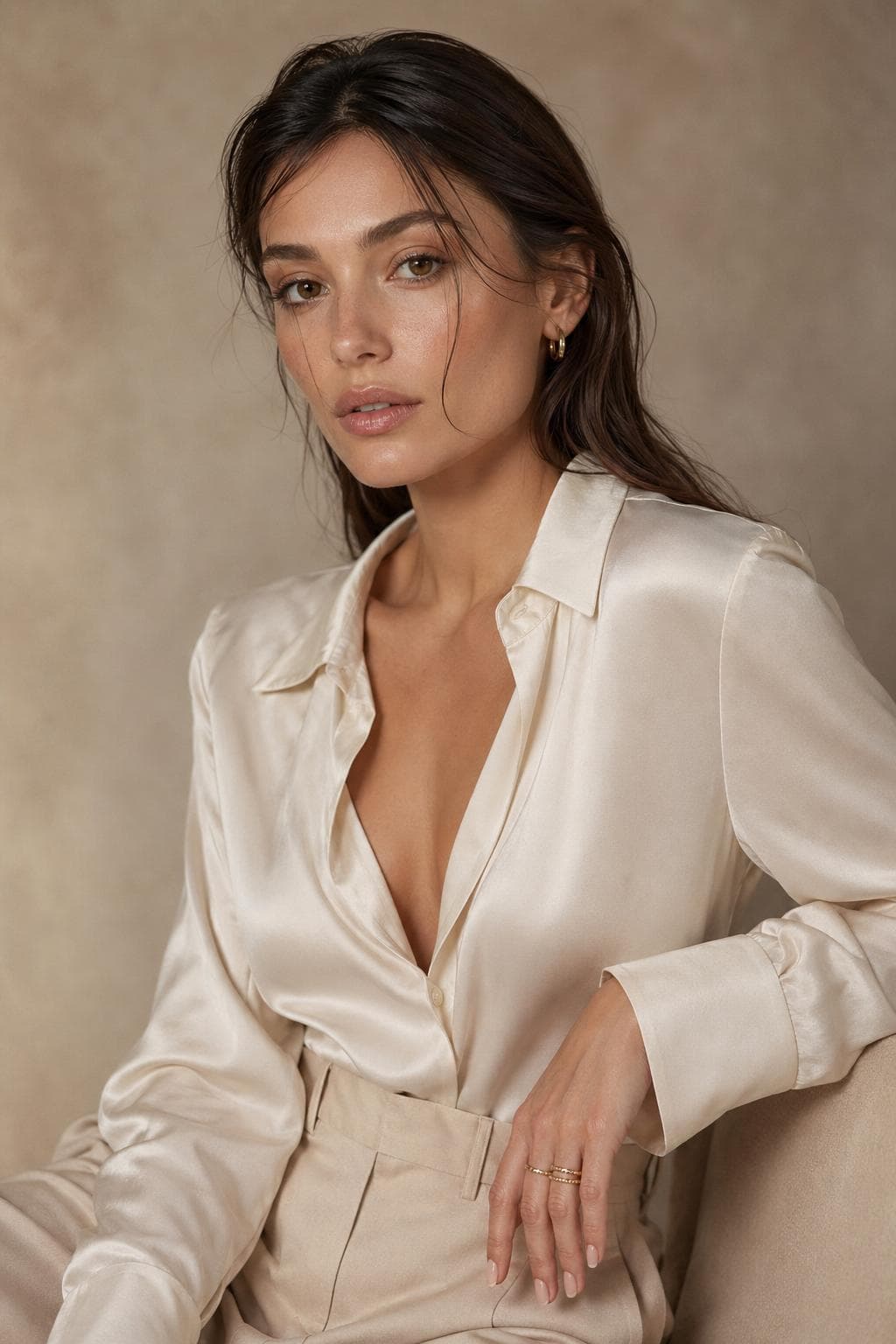 Luxury Glam
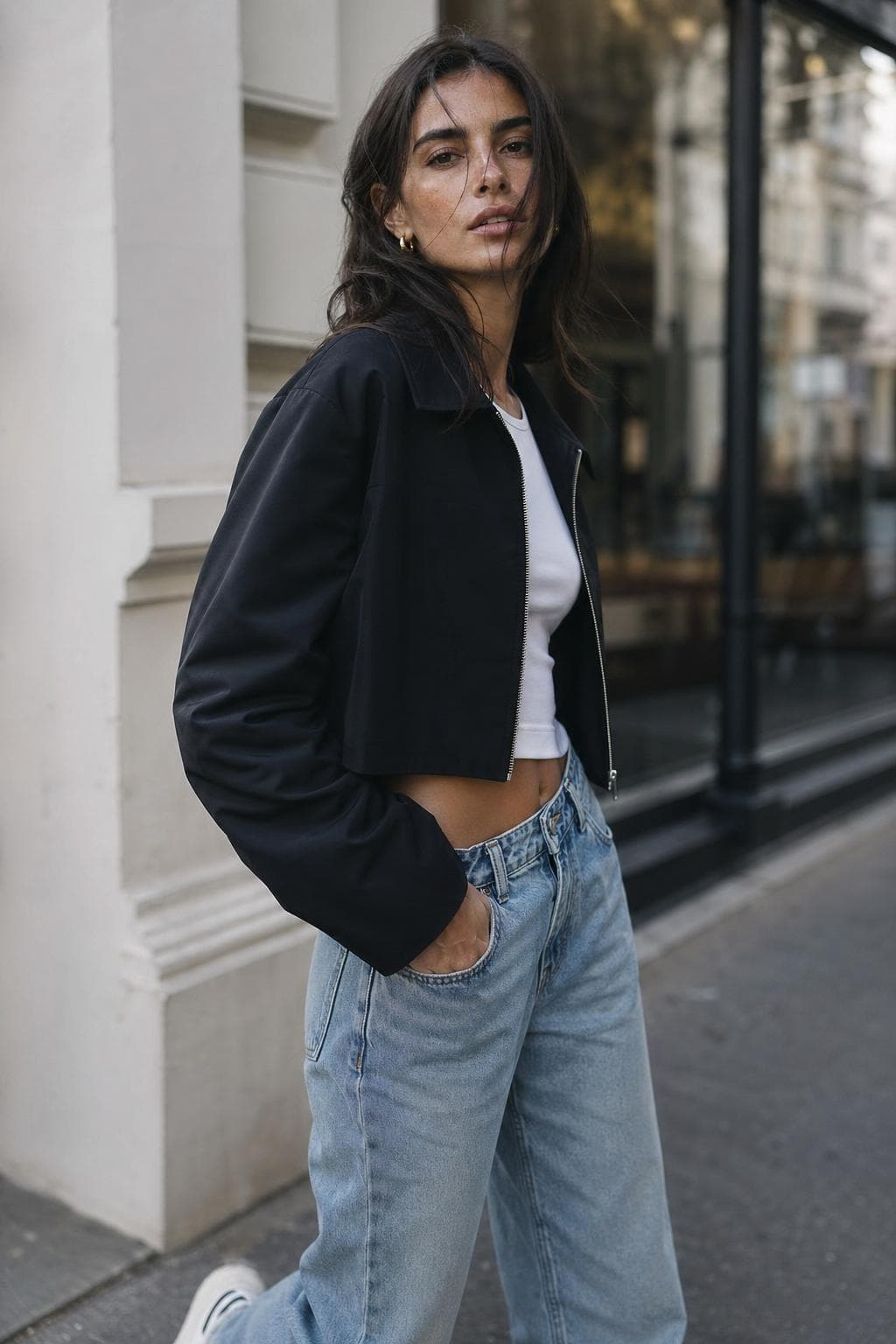 Street Candid
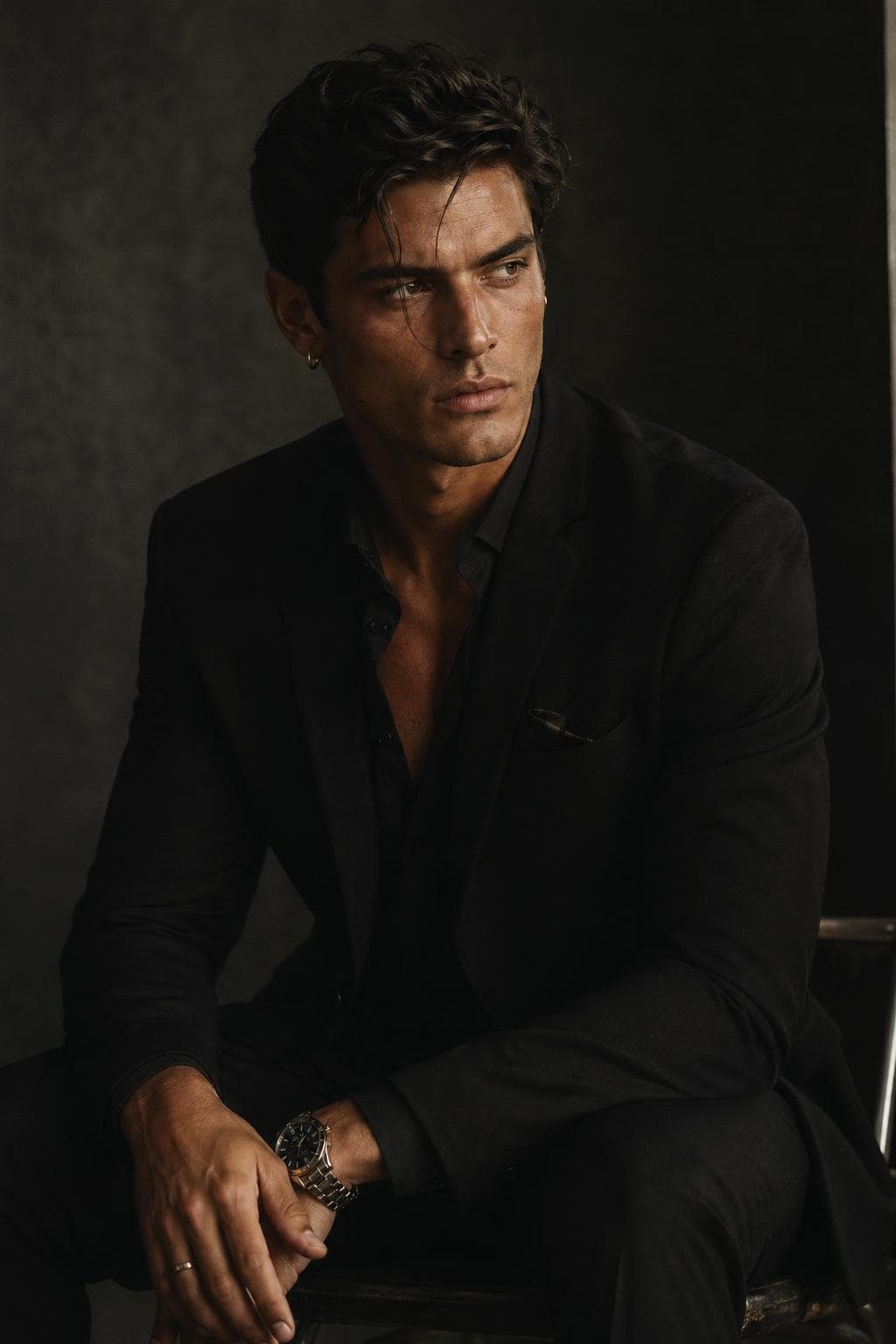 Cinematic
Center
Right
4:5 vertical photorealistic waist-up editorial portrait, soft natural style, natural skin texture, soft window light, 85mm lens, subtle film grain...
Start with a look
Each look opens the Studio with a different starting point. You can adjust the details later.
Approachable, relaxed, window-lit portrait.
Polished beauty-campaign portrait with controlled light.
Urban, relaxed, documentary-style portrait.
Moody portrait with atmosphere, shadow, and story.
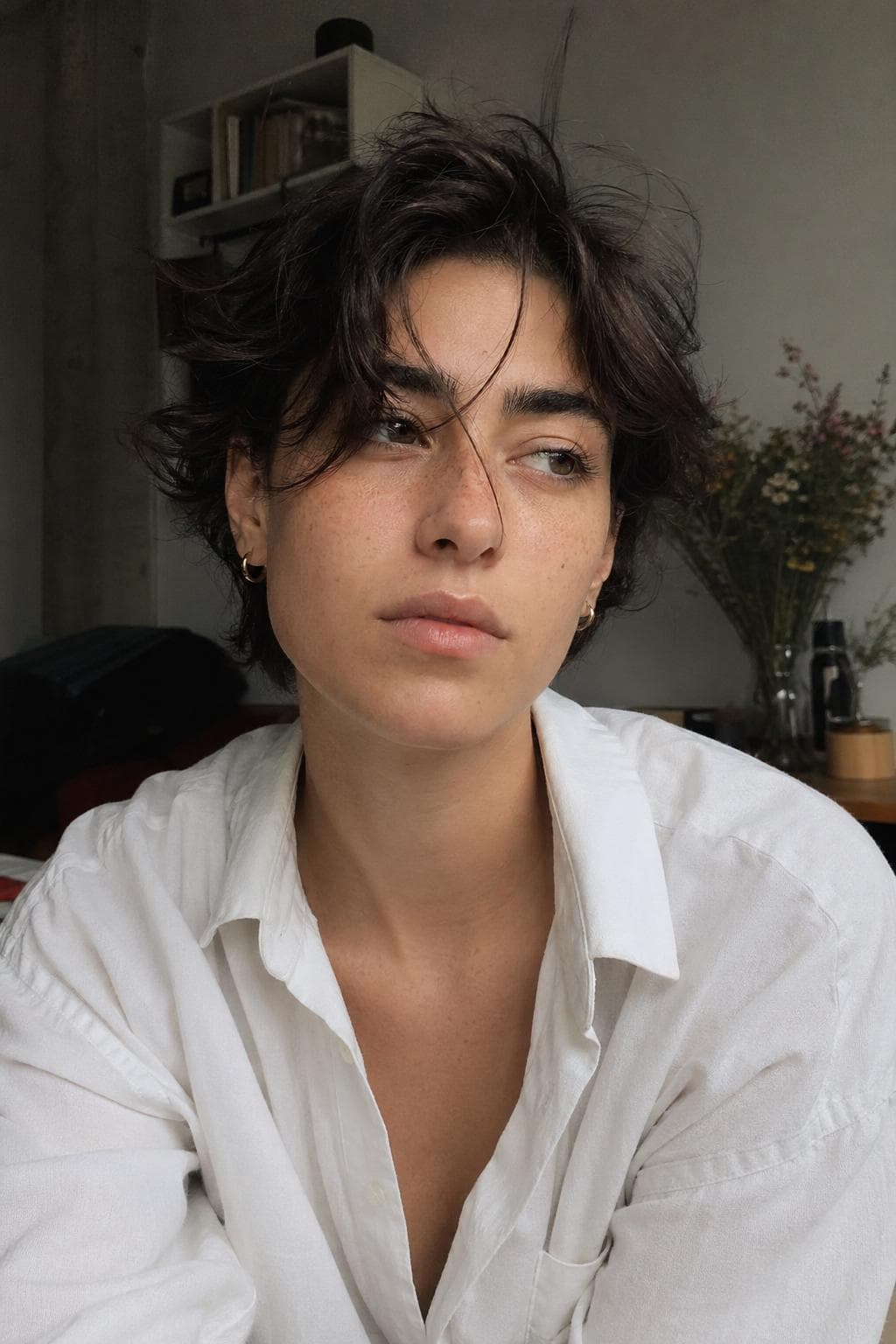
Casual snapshot that feels less staged.
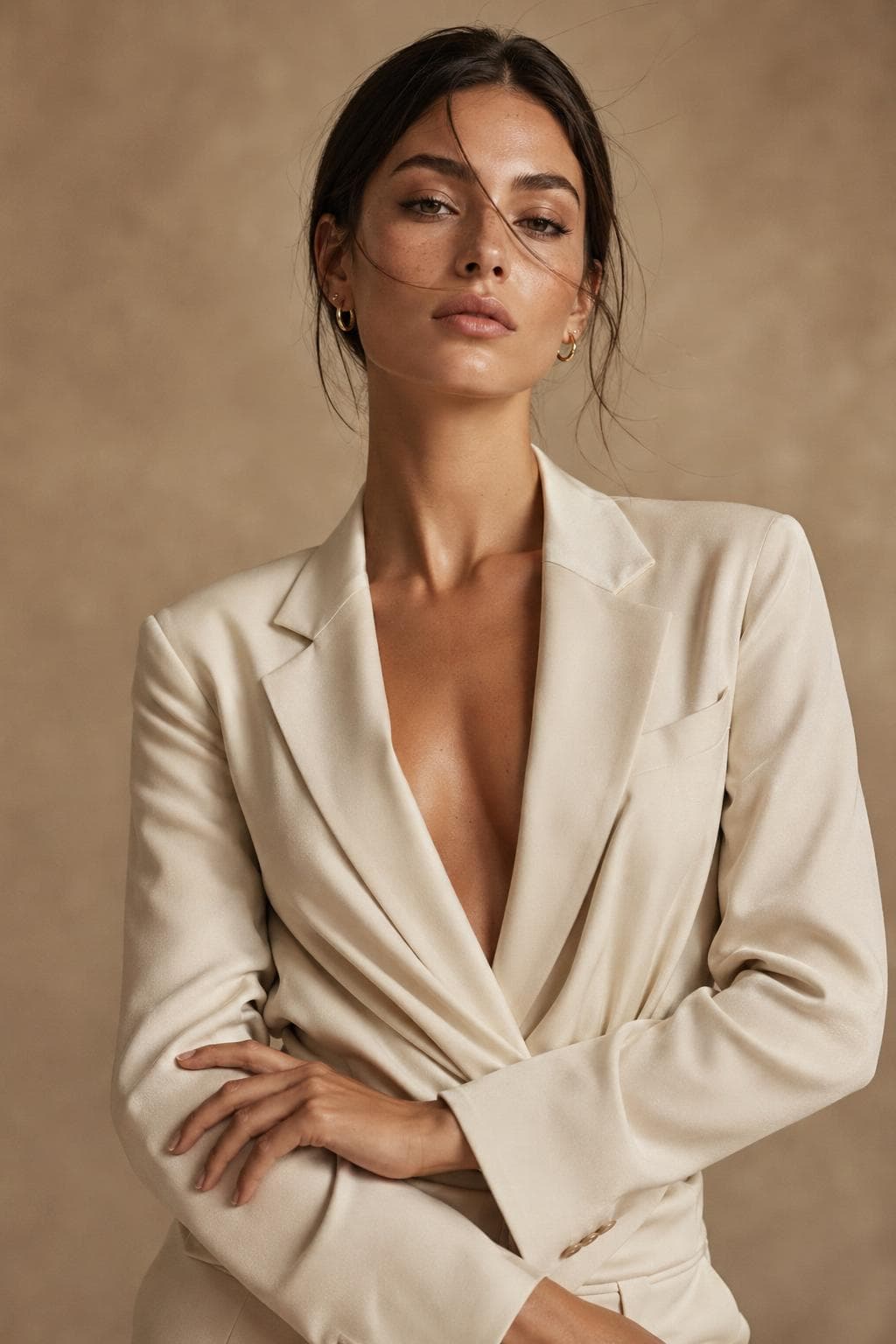
Editorial portrait with structure, pose, and negative space.
Start with Soft Natural, Luxury Glam, Street Candid, Cinematic, Phone Realism, or High-Fashion.
Fine-tune crop, subject, face direction, skin, hair, wardrobe, pose, lighting, and camera feel.
Use the compiled prompt brief in GPT Image 2 or save it for a future photo pack.
Graduation photo pack
The portrait guide stays focused on prompt education. Graduation uploads, consent, and prototype generation now live in a separate PromptPaper funnel.
FAQ
PromptPaper is a guided prompt builder and field guide system for creating realistic AI portraits. Instead of starting from a blank prompt box, you choose a portrait direction and PromptPaper compiles the choices into a structured prompt brief.
Yes. The Portrait Prompting Menu is free to download and share.
No. The guide explains the key choices in plain language: style, pose, crop, lighting, camera feel, and realism details.
The current Studio helps you build better prompts. We are also testing AI photo packs, where PromptPaper will help create finished portrait sets from reference photos.
Photo packs are curated sets of AI-generated portraits for a specific use case, such as headshots, creator portraits, graduation photos, or social profile images.
Yes. The prompts are written for GPT Image 2-style portrait generation.
Yes. PromptPaper's portrait system is designed around clearly adult subjects and tasteful portrait styling.
Yes. Portraits are Field Guide 01. Future guides may cover product photography, campaign images, posters, and other image categories.
Ready to Build?
Open the Portrait Studio, choose a style, and copy a structured prompt brief in minutes.
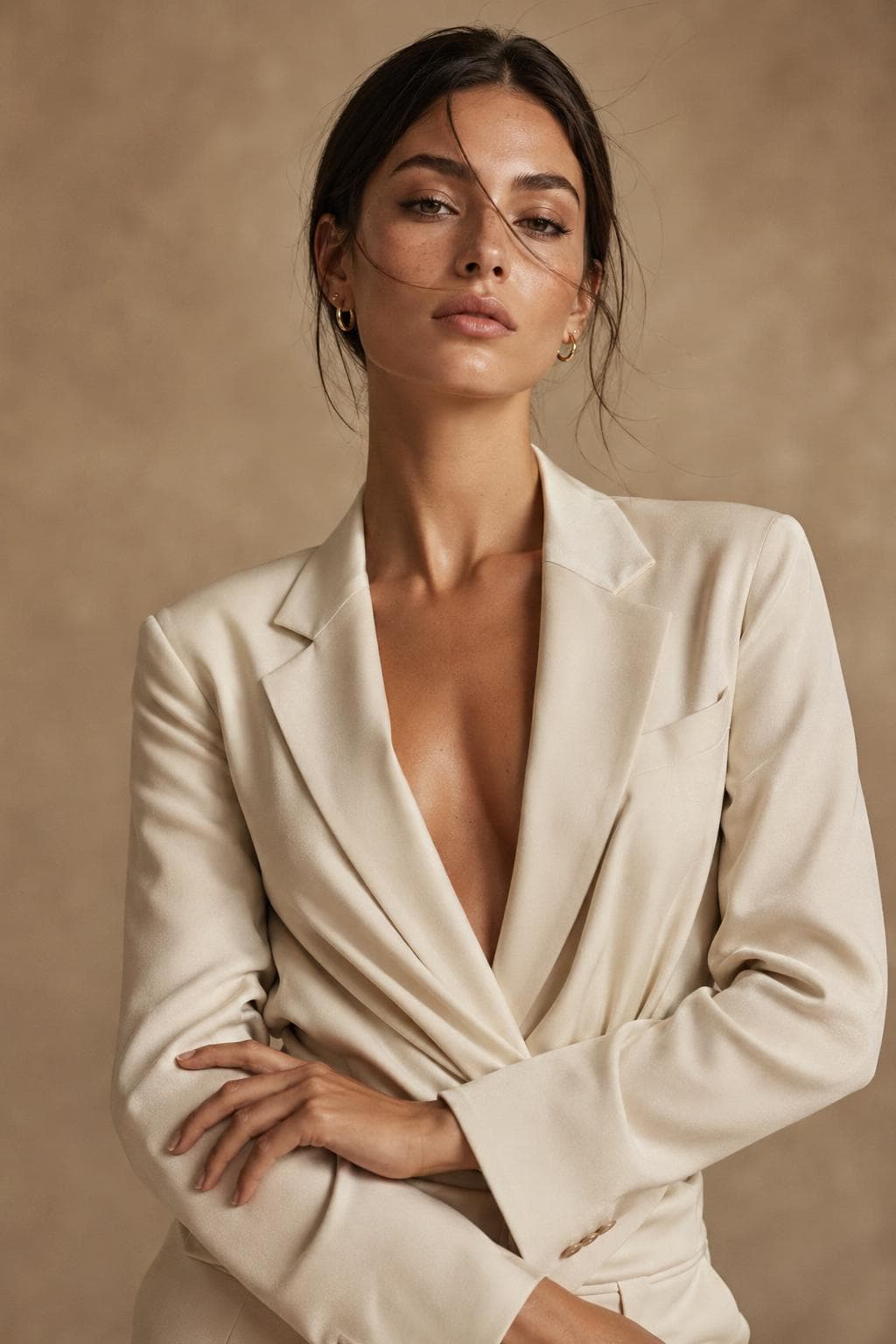
The guide teaches the menu. The Studio turns the menu into a prompt brief.